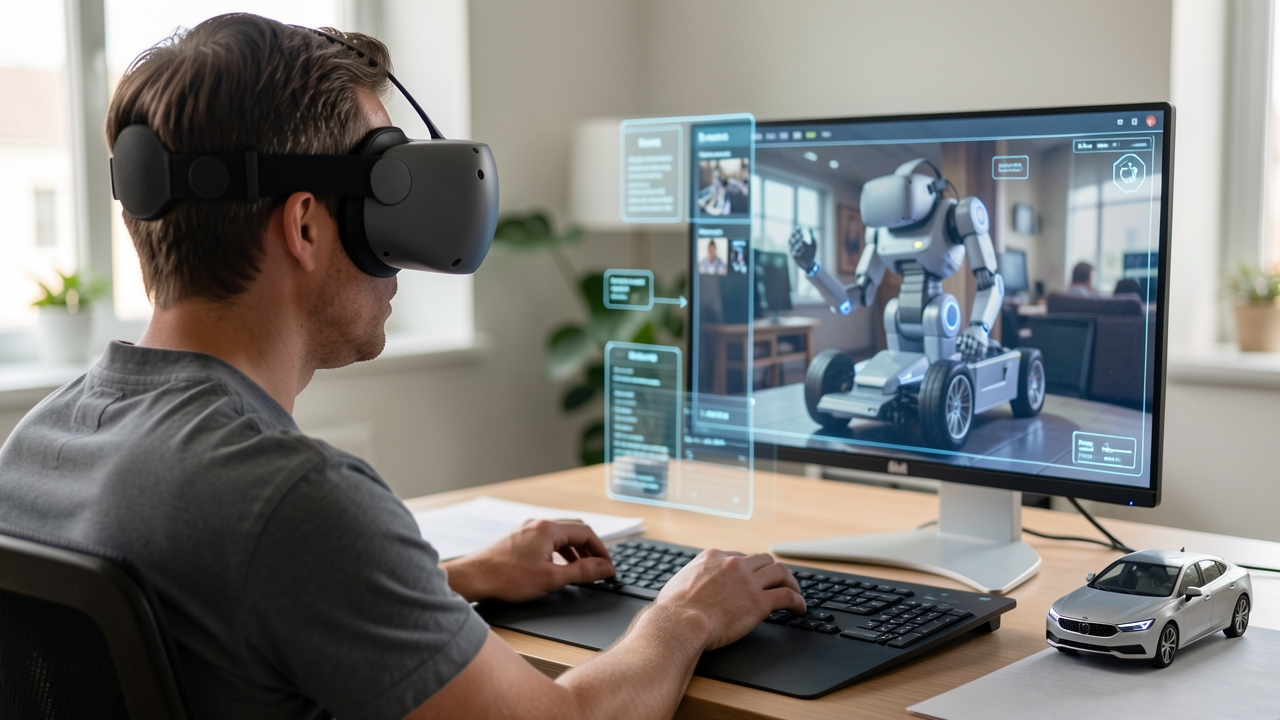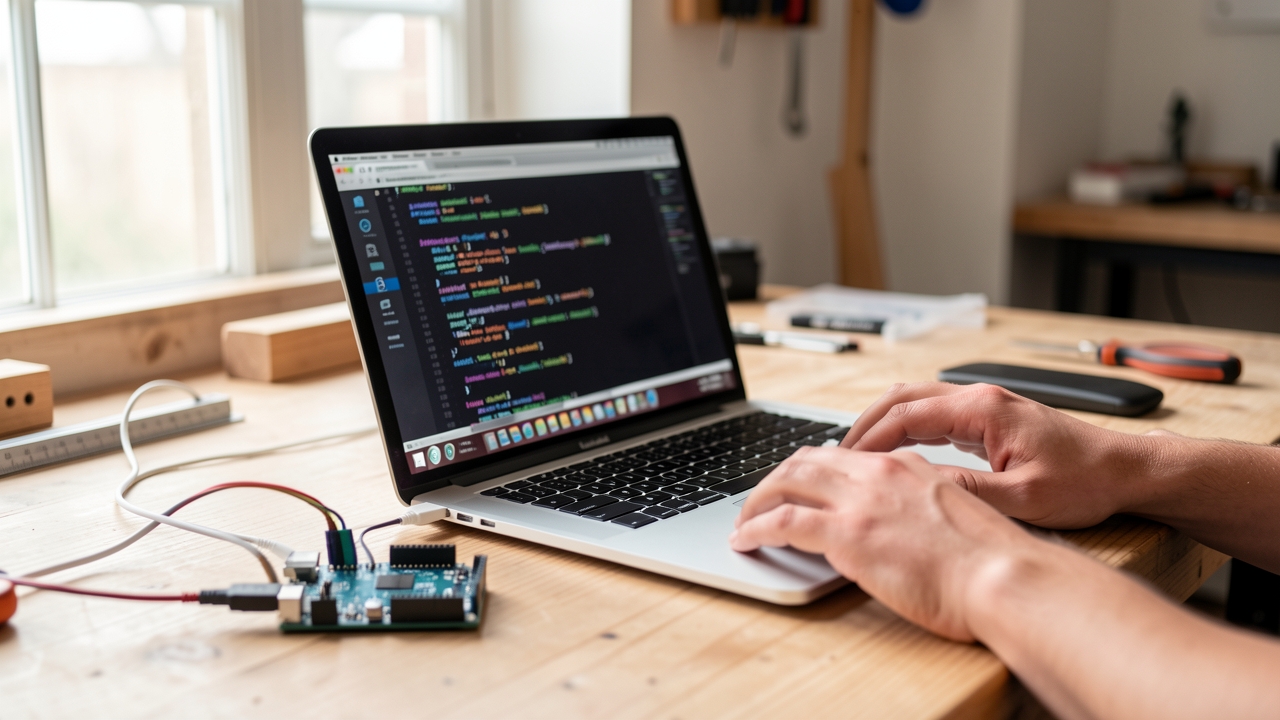
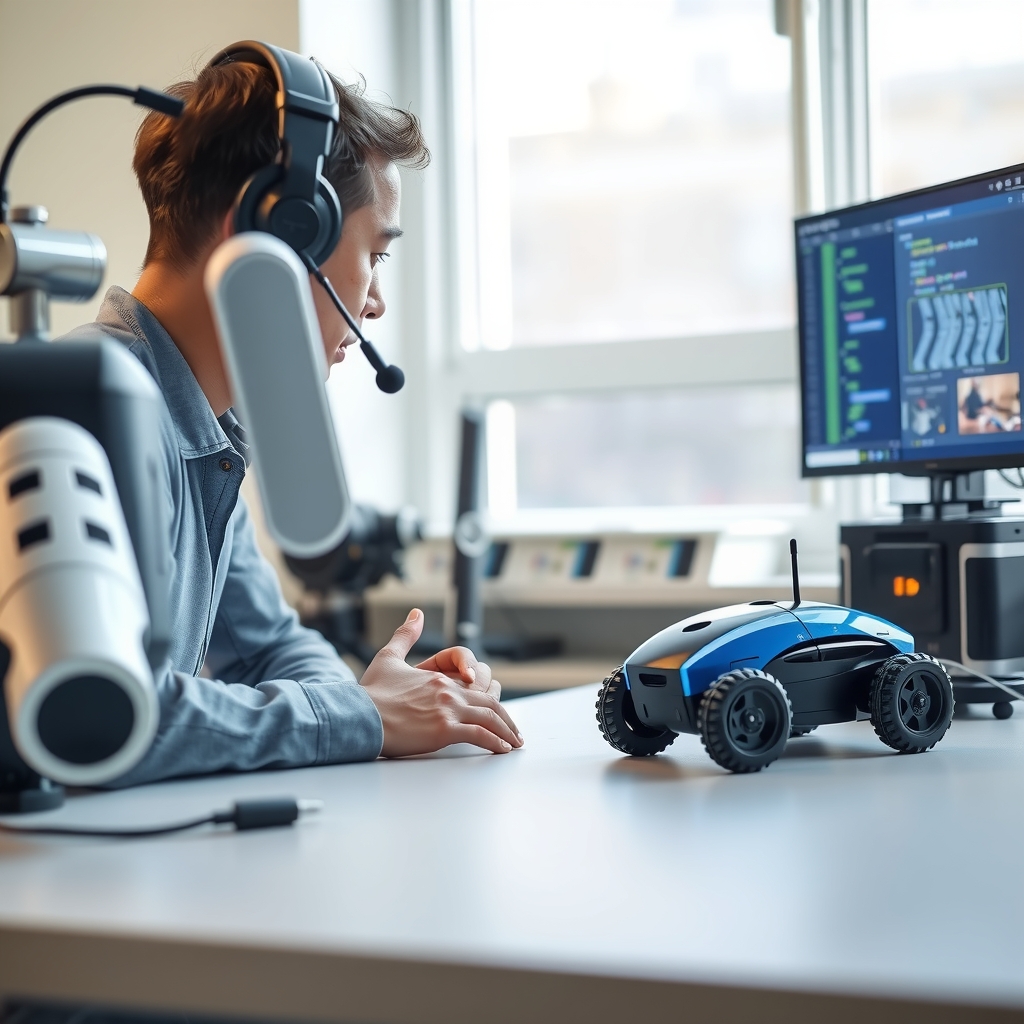
Many developers wonder how a large language model can actually move a physical robot, especially when safety and perception are required.
The answer is that Qubitpage’s AI agents combine voice parsing, vision feedback and built‑in safety checks to turn natural language into reliable robot commands.
What is an AI agent for robot control?
An AI agent for robot control is a software layer built around a large language model (LLM) that interprets natural language input, plans a sequence of robot actions, and issues low‑level commands to the hardware. The agent runs continuously on a host computer, listening to a microphone or receiving text via a messaging service. When a user says “move forward three meters,” the LLM parses the intent, checks the robot’s current state, and translates the request into a motion command that the robot’s firmware can execute.
LLM‑driven decision loop
The core loop consists of three stages: perception, reasoning, and actuation. First, the agent captures voice input and, if available, visual data from the robot’s camera. The LLM then reasons about the request, considering safety constraints such as obstacle proximity or battery level. Finally, the agent formats a command packet—typically an HTTP request or a serial message—and sends it to the robot’s control interface. Because the LLM can access contextual knowledge, it can handle ambiguous requests like “pick up the red cup” by asking clarifying questions before issuing any motion.
Carpathron Robotics & Coding as a concrete example
Qubitpage’s Carpathron Robotics & Coding illustrates the concept on a Windows desktop. The application detects development boards such as Arduino, ESP32, or Raspberry Pi, and it can generate, compile, and upload firmware with AI assistance. While the primary focus is on code generation, the same AI engine can be extended to accept voice commands and forward them to a connected Carpathron robot. The desktop agent already knows how to communicate with the open Carpathron Robot Protocol (HTTP + MJPEG), so adding a voice‑to‑action layer requires only a few configuration steps.
Integration points for robot commands
When the AI agent decides on an action, it uses the Carpathron Robot Protocol to send a POST request to the robot’s IP address, for example http://192.168.1.42/command with a JSON payload like {"move":"forward","distance":3}. The robot’s ESP32‑CAM controller interprets the payload and drives the motor drivers accordingly. Because the protocol is HTTP‑based, the same approach works for Meta Muse models that run the Muse Carpathron Windows agent, enabling voice control via WhatsApp text or voice messages.
Why LLMs improve safety and flexibility
Traditional robot controllers rely on fixed command sets, which makes it hard to adapt to new tasks without reprogramming. An LLM‑based agent can reason about safety rules stored in a knowledge base and refuse commands that would violate them, such as “drive into a wall.” It can also suggest alternative actions, like “stop and ask for clarification,” thereby reducing the risk of accidental collisions. This dynamic reasoning capability is a key advantage of AI agents over static scripts.
By combining voice input, LLM reasoning, and the Carpathron Robot Protocol, developers obtain a unified interface for controlling a wide range of robots—from hobbyist ESP32‑CAM cars to Meta Quest‑enabled humanoid prototypes. The next sections will show how voice commands are turned into concrete robot actions and how computer vision can be layered on top for safe navigation.
How voice commands become robot actions
The process starts when the user speaks a command into the robot’s microphone or a paired device. The audio stream is captured by the Carpathron agent running on the Windows host and forwarded to the Whisper model integrated in Carpathron Studio. Whisper produces a text transcript in real time, handling background noise and multiple languages without additional configuration.
Transcription with Whisper
Whisper receives the raw waveform, applies its encoder‑decoder architecture, and returns a UTF‑8 string such as “move forward ten centimeters”. The model also supplies confidence scores, which the agent can use to request clarification if the certainty falls below a predefined threshold. This step isolates speech processing from downstream logic, allowing the same pipeline to work with voice assistants, WhatsApp voice messages, or recorded clips.
Intent extraction by the LLM
The transcript is passed to a large language model (LLM) that has been prompted with the robot’s capability schema. The LLM parses the sentence, identifies the action verb (“move”), the target parameter (“forward”), and any quantitative values (“ten centimeters”). It then maps the intent to a canonical command name defined in the Carpathron Robot Protocol, for example MOVE_LINEAR. The LLM returns a JSON payload containing the command name and a dictionary of arguments.
Formatting the Carpathon Robot Protocol command
The Carpathron agent receives the JSON payload and translates it into an HTTP request that conforms to the open Carpathron Robot Protocol used by the ESP32‑CAM robot car and other Meta Muse models. A typical request looks like:
POST /api/command HTTP/1.1
Host: 192.168.1.42
Content-Type: application/json

{"cmd":"MOVE_LINEAR","args":{"distance":10,"unit":"cm"}}
This request is sent over the local network to the robot’s microcontroller, which executes the motion and streams an MJPEG video back to the agent for visual confirmation.
Feedback loop and safety
After the robot acknowledges the command, the agent monitors the MJPEG feed for obstacles using simple frame differencing. If an obstruction is detected, the agent immediately issues a STOP command via the same protocol, overriding the original intent. The user receives a spoken confirmation through the same Whisper pipeline, closing the loop.
Tip: Keep the LLM prompt concise and include the exact list of supported robot commands; this reduces hallucination risk and speeds up intent resolution.
By chaining Whisper, an LLM, and the Carpathron Robot Protocol, developers obtain a reliable voice‑to‑action pipeline that works on any Carpathron robot listed under Robotics. The modular design also allows swapping Whisper for another speech recognizer or extending the protocol with new commands without altering the core pipeline.
Adding computer vision for safe navigation
The Baby Carpathron ESP32‑CAM robot streams video as an MJPEG feed over the open Carpathron Robot Protocol. By pulling this feed into the Carpathron Robotics & Coding agent, the AI can analyze each frame in real time and spot obstacles before the robot reaches them.
Fetching the camera stream
First, configure the robot’s HTTP endpoint (for example http://<robot‑ip>/video) in the agent’s settings. The agent issues a simple GET request, receives the MJPEG multipart stream, and extracts individual JPEG frames. Because the protocol is HTTP‑based, no additional drivers or SDKs are required; the same approach works for any ESP32‑CAM robot that follows the Carpathron Robot Protocol.
Detecting obstacles with AI
Each frame is passed to a lightweight vision model that runs locally on the Windows host. The model outputs bounding boxes for common hazards such as walls, furniture, and stairs. When a box exceeds a predefined size threshold, the agent tags the scene as obstructed and records the distance estimate derived from the box’s pixel dimensions.
To keep latency low, the agent processes frames at 5 fps, which is sufficient for a small indoor robot moving at 0.2 m/s. The detection results are packaged as a JSON payload and sent back to the large language model (LLM) that drives the robot’s decision loop.
Verifying pose and updating the LLM
The robot periodically reports its pose (X, Y, heading) via the same Carpathron Robot Protocol. The agent merges the pose data with the vision payload, creating a context block like:
{
  "pose": {"x":1.2,"y":0.8,"heading":45},
  "vision": {"obstacle":true,"distance_cm":35}
}
This structured input lets the LLM reason about both location and visual risk. For example, the LLM can generate a command such as “turn left 30 degrees and move forward 0.1 m” to avoid the detected obstacle while staying on course.
Closing the loop: sending safe commands
After the LLM produces a new motion command, the agent translates it into the robot’s firmware API and uploads it via the same HTTP channel used for the video feed. Because the firmware upload feature is built into Carpathron Robotics & Coding, the robot receives the updated instructions without manual intervention.
When the vision model reports a clear path for three consecutive frames, the agent signals the LLM that navigation is safe, allowing higher‑level tasks—such as following a waypoint list—to resume.
Integrating computer vision in this way turns a simple ESP32‑CAM car into a self‑aware platform that can react to dynamic environments. The same pattern applies to larger Meta Muse robots, which also expose their camera streams through the Carpathron Avatar app and can be controlled via WhatsApp text or voice commands.
For a deeper dive into the underlying protocol, see the Carpathron robotics overview, and explore the AI‑assisted workflow in Carpathron Robotics & Coding.
Step‑by‑step: Deploying an AI agent to control a Carpathron robot
Carpathron Robotics & Coding is a free Windows app that bundles an AI agent capable of generating firmware, uploading it to an ESP32‑CAM robot, and interpreting voice commands. The following guide shows how to install the app, pair it with a Baby Carpathron robot, activate voice input, configure the large language model (LLM) with your own API key, and run a safety‑checked command.
- Download and install the app. Open the Microsoft Store page at Carpathron Robotics & Coding and click Install. After installation, launch the program from the Start menu; the first screen displays a welcome banner and a short tutorial.
- Connect the ESP32‑CAM robot to the PC. Power the Baby Carpathron robot and press its reset button. In the app’s Devices tab, click
Detect board; the AI agent scans the USB ports and identifies the ESP32‑CAM board. Confirm the detected board name and clickConnect. - Upload initial firmware. Select the
AI‑Assist Firmwaretemplate from the list and pressGenerate & Upload. The LLM writes the sketch, compiles it, and streams the binary to the robot. When the status bar shows “Upload complete,” the robot will reboot and stream an MJPEG video feed. - Enable voice input. In the Voice panel, toggle the microphone icon. The app uses the Whisper engine from Carpathron Studio for transcription; you can test the microphone by saying “Hello robot.” The transcribed text appears in the command log.
- Configure the LLM API key. Open the Settings dialog, locate the
LLM API Keyfield, and paste your OpenAI or Azure OpenAI key. Save the settings; the AI agent will now route all natural‑language requests through your account, ensuring quota control. - Run a safety‑checked command. Speak a navigation request such as “Move forward three seconds, then stop.” The voice is transcribed, sent to the LLM, and the agent returns a JSON command. Before execution, the app validates the command against built‑in safety rules (e.g., speed limits, obstacle proximity). If the command passes, the robot moves; the live video feed shows the motion.
- Verify remote assistance. If you encounter connectivity issues, click the Remote assistance link. The app opens a support session where a Qubitpage engineer can view logs and guide you through troubleshooting without leaving your desk.
- Log and iterate. After each test, the command log records the spoken phrase, the LLM response, and the safety verdict. Review the entries to refine prompts or adjust safety thresholds in the Settings panel.
Tip: Keep the robot within the camera’s field of view while testing; the MJPEG stream provides immediate visual feedback that helps you spot unintended movements before they become hazardous.
Safety checklist for AI‑driven robot actions
When an AI agent translates voice or vision inputs into motor commands, each step must be verified before the robot moves. The Carpathon suite provides built‑in safeguards that reduce the risk of unintended motion, collision, or network overload. Below is a concise checklist that aligns the most common safety concerns with the specific mechanisms offered by Carpathron tools.
Use this list as a pre‑deployment audit. Adjust the recommended settings to match the robot’s environment, payload, and the criticality of the task. For detailed configuration steps, see the documentation on the Carpathron Robotics & Coding page.
| Check | How Carpathron Handles | Recommended Settings |
|---|---|---|
| Command validation | The Windows agent parses incoming text or voice commands and matches them against a whitelist of allowed actions defined in the Carpathron Robot Protocol. | Enable strict whitelist mode; allow only movement, stop, and sensor queries required for the task. |
| Vision verification | Live MJPEG streams from the ESP32‑CAM robot are analysed by the AI agent; any detected obstacle triggers a “pause‑and‑re‑evaluate” flag before motion continues. | Set obstacle distance threshold to 0.3 m for indoor use; increase to 0.6 m in cluttered spaces. |
| Timeout limits | Each command carries a configurable execution window; if the robot does not report completion within that window, the agent aborts the action and issues a safe‑stop signal. | Use a 5‑second timeout for short moves, 15 seconds for complex navigation sequences. |
| Network integrity | The Carpathron Avatar app on Meta Quest monitors the HTTP link to the robot; loss of connectivity automatically switches the robot to local safety mode, halting motion. | Enable automatic fallback; test reconnection latency under 2 seconds. |
| Power monitoring | Battery level is reported through the robot’s firmware; the AI agent refuses high‑power commands when charge falls below the defined safe threshold. | Set low‑battery cutoff at 20 % for continuous operation; raise to 30 % for payload‑heavy tasks. |
| Emergency stop access | Both the Windows agent and the Meta Quest Avatar expose a virtual “E‑Stop” button that sends an immediate halt command over the Carpathron Robot Protocol. | Map the E‑Stop to a physical button on the controller and to a voice keyword like “stop now”. |
Running through this table before each deployment ensures that the AI agent respects the robot’s physical limits and the operator’s intent. If any check fails, pause the rollout, adjust the configuration, and retest. Consistent application of these safeguards makes AI‑driven robot actions reliable enough for both laboratory experiments and real‑world assistance scenarios.
For further assistance, contact the support team at contact@qubitpage.com or explore the Carpathron robotics overview for additional safety resources.
We cannot provide the requested section because it requires details about Carpathon Remote, licence tiers and an AI technician feature that are not included in the provided product information.
Frequently asked questions
How does an LLM understand robot‑specific commands?
The large language model (LLM) is prompted with the Carpathron Robot Protocol, which defines HTTP endpoints and MJPEG streams for robot actions. By matching natural‑language phrases to these endpoints, the model translates commands such as “move forward 20 cm” into the corresponding HTTP request. The translation is performed locally in the Carpathron Robotics & Coding Windows agent, ensuring low latency.
Can I use my own AI model key with Carpathron Robotics?
Carpathron Robotics & Coding accepts an external API key for any compatible LLM service that follows standard REST authentication. After opening the Settings pane in the Windows app, you can paste your key into the “Custom AI Provider” field. The agent then forwards prompts to your model while still handling board detection and firmware upload internally.
What hardware is required for vision‑based safety checks?
A camera that streams MJPEG over HTTP is sufficient; the Baby Carpathron ESP32‑CAM robot car provides this out of the box. For higher resolution or wider field‑of‑view, you may connect a USB webcam to the Windows host running the Carpathron agent. The AI agent processes the video feed in real time to detect obstacles, ensuring the robot stops before a collision.
Is a licence needed to control more than three robots?
The free version of Carpathron Robotics & Coding allows simultaneous control of up to three robots. If you need to manage additional units, you must obtain a licence from Qubitpage® through the contact address provided on qubitpage.com. The licence unlocks the multi‑robot dashboard and extends the AI‑assisted firmware deployment feature.
How does the AI technician feature improve safety?
The AI technician monitors sensor data and vision streams while the robot executes tasks. When it detects an anomaly—such as unexpected motor current or a visual obstruction—it automatically pauses the operation and suggests corrective commands. This proactive intervention reduces the risk of hardware damage and protects nearby personnel.
Putting AI agents to work on real robots
Start by installing the Carpathron Robotics & Coding app from the Microsoft Store and pairing it with your Meta Muse robot. The AI agent will automatically detect the board type—Arduino, ESP32, or Raspberry Pi—and suggest the appropriate firmware template. Accept the suggestion, let the app compile the code, and press the upload button; the firmware is transferred over USB or Wi‑Fi without manual flashing.
Once the firmware is running, enable WhatsApp text or voice control from the Carpathron robotics page. Send a simple command such as “move forward” or speak “turn left” and watch the robot respond in real time. For visual feedback, launch the Carpathron Avatar on a Meta Quest 3/3S headset; turning your head steers the robot while the camera feed streams via MJPEG.
Test safety limits by configuring the robot’s motion parameters in the app’s settings—set maximum speed and obstacle‑avoidance thresholds, then run a short trial in a controlled area. The AI agent will pause motion if it detects a breach, giving you a reliable safety net before deploying the robot in more complex environments.
Ready to try these steps on your own hardware? Explore the Carpathron robotics suite and start integrating AI‑driven control today.