Game designers often struggle to blend authentic history with engaging level design. You want recognizable 15th‑century Wallachian sites that feel real while still supporting gameplay.
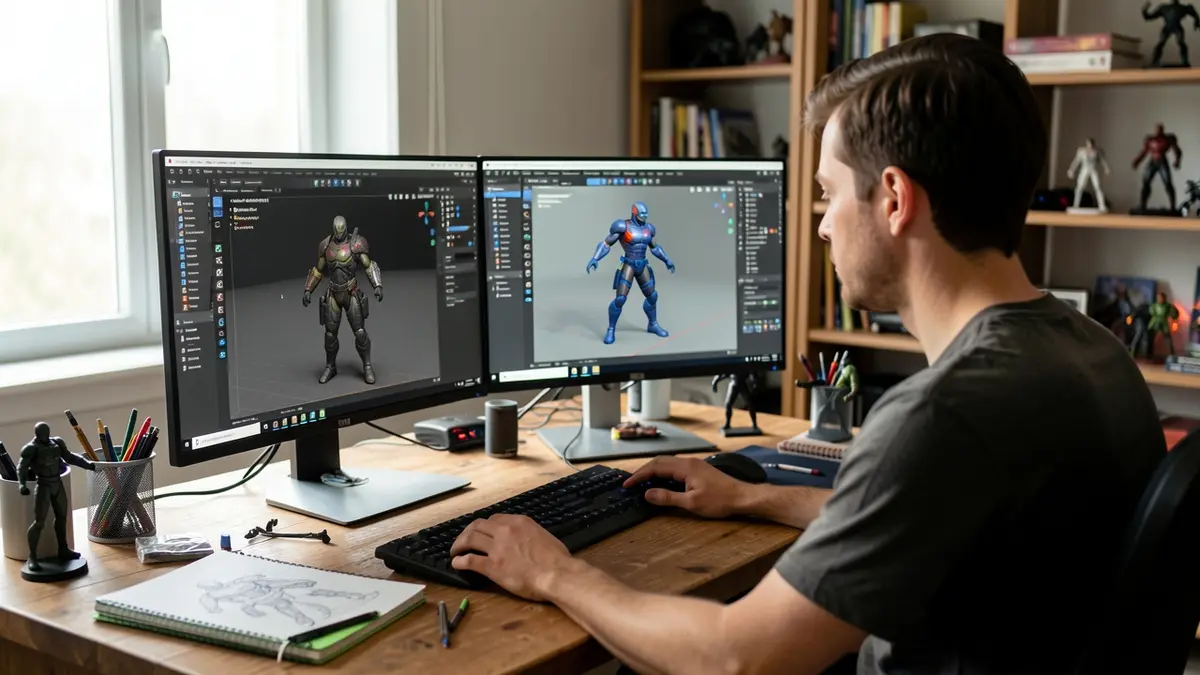
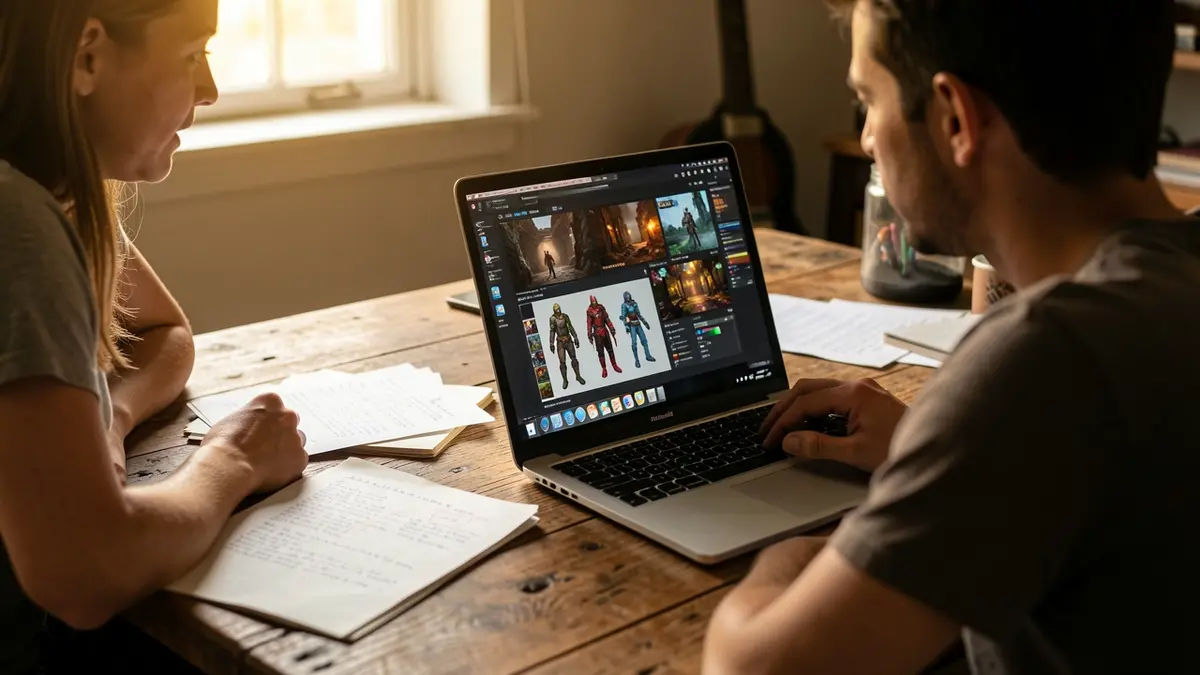
The answer is to study Târgoviște, Poenari and the Danube, then use Qubitpage’s Carpathron tools to model, texture and script them as playable areas.
Historical overview of Wallachia in the 15th century
In the 1470s Wallachia was a principality caught between the expanding Ottoman Empire and the Kingdom of Hungary. The ruling Voivode, Vlad III Drăculea, pursued a policy of shifting alliances to preserve autonomy. His brief reign ended with his death in 1476, after which Basarab Țepes (Basarab the Impaler) took the throne and reinforced a defensive network of fortresses along the Carpathians and the Danube.
Political fragmentation and Ottoman pressure
The Ottoman advance forced Wallachian leaders to pay tribute while retaining internal self‑rule. Treaties in 1472 and 1475 formalised a tributary status, yet the principality kept its own court, military levies, and a distinct legal code rooted in Byzantine and local customs. This duality created a landscape where fortified towns coexisted with autonomous rural communities, a contrast useful for level designers seeking varied gameplay zones.
Cultural crossroads and urban development
Wallachia’s culture blended Orthodox Christianity, local folklore, and influences from neighboring powers. Târgoviște, the capital, grew around a stone citadel that housed the princely court and a bustling market. Churches such as the Curtea de Argeș Cathedral displayed intricate stonework, while wooden churches dotted the hills, offering visual diversity for level assets. The period also saw the rise of itinerant bards who spread tales of dragons and hidden orders, a narrative thread that inspired the novel Ordo Draconis: The Unlit and its upcoming game.
Key events shaping the terrain
In 1475 the Battle of Valea Albă highlighted the strategic importance of the Carpathian passes; Wallachian forces used narrow mountain trails to ambush larger Ottoman columns. The following year, the construction of the Poenari stronghold on a sheer cliff reinforced the practice of exploiting natural defenses. These events left a legacy of rugged cliffs, river valleys, and fortified hilltops that still define the region’s topography.
Narrative inspiration for game design
The Ordo Draconis project draws directly from this turbulent era. Its protagonist, Vlad, “son of the Dragon,” travels from Edirne to Rome, mirroring the historic diplomatic journeys of Wallachian princes. The novel’s depiction of secret houses and the hidden “Unlit” enemy provides a mythic layer that can be layered onto authentic 15th‑century settings. By grounding fantasy elements in documented events—such as the 1475 mountain ambush—developers can craft levels that feel both historically resonant and narratively compelling.
When building a Wallachian level, consider the mix of fortified urban centers, cliffside castles, and riverine borders that defined the period. Tools like Carpathron Studio can translate these real‑world references into AI‑generated environments, allowing designers to recreate the era’s distinctive architecture while preserving the dramatic tension of the 1470s.
Târgoviște: capital city and fortress layout
Medieval citadel and defensive walls
The heart of 15th‑century Wallachia was the stone citadel that rose on the hill above the Argeș River. Thick curtain walls encircled the complex, punctuated by three main gates: the Gate of the Prince, the Gate of the Merchants, and the River Gate. Each gate featured a portcullis and flanking towers that offered cross‑fire positions. Inside, the keep housed the ruler’s chambers and a small chapel, while outer baileys contained barracks and storerooms.
When building a level, model the curtain wall as a continuous low‑poly extrusion with a height of roughly 12 m, then carve out gate openings using Boolean cuts. Duplicate the tower geometry and place them at regular intervals along the wall; a simple cylinder topped with a conical roof matches the historic silhouette. Apply a subtle bevel to the parapet to suggest crenellations without adding excessive polygons.
Market streets and riverfront
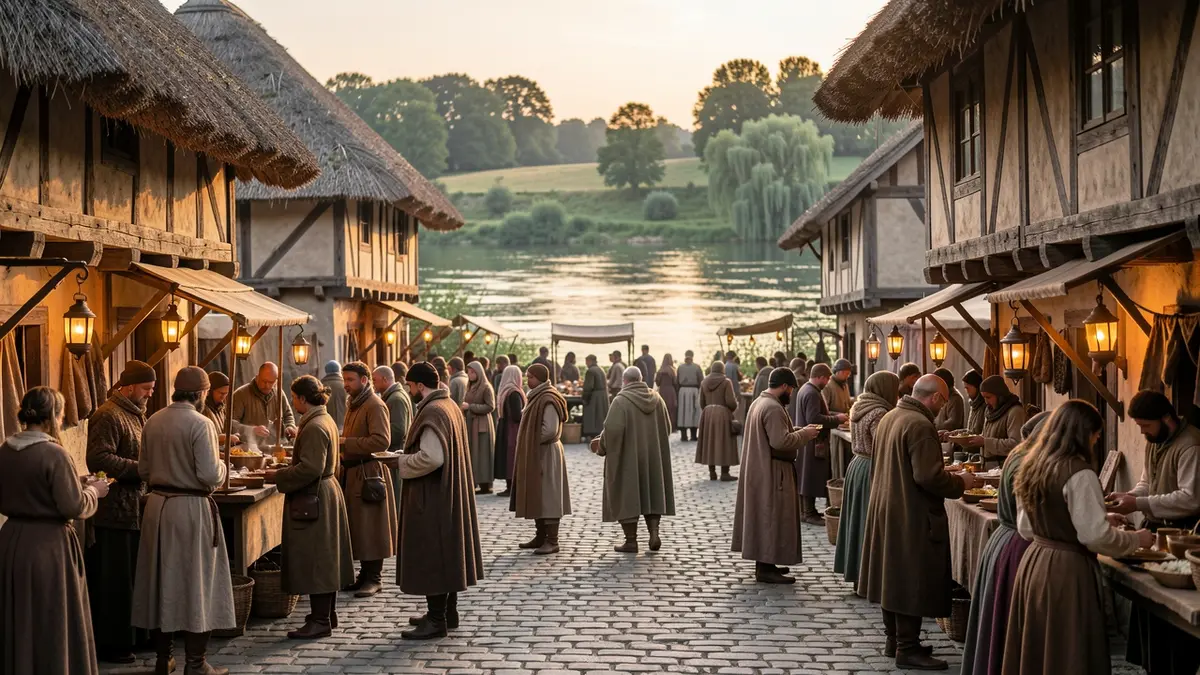
Below the citadel, a network of narrow, cobbled streets formed the commercial quarter. Stalls lined the main thoroughfare, and the riverfront hosted warehouses and a modest dock for river traffic. The streets followed a grid that roughly aligned with the hill’s slope, creating a natural flow from the River Gate toward the central market square.
To translate this layout into geometry, start with a base plane and sketch the street grid using a vector‑drawing tool. Export the lines as a DXF file and import them into Carpathron Studio. The app can generate road meshes automatically, then you can extrude building footprints along the edges. Use low‑poly blocks for merchant houses and add simple texture atlases for wooden shutters and thatched roofs.
Using Carpathron Robotics & Coding for grid detection
The Carpathron Robotics & Coding app includes a board‑layout detection module that can analyze hand‑drawn maps or scanned sketches. Load a scanned image of Târgoviște’s historic plan, run the detection routine, and the software will output a clean vector grid. This grid can be imported directly into Carpathron Studio, saving hours of manual tracing.
After detection, verify the placement of key features—walls, gates, and towers—by comparing the generated geometry with reference pictures of the citadel. The app’s AI‑assisted checker will flag any mismatched dimensions, allowing you to correct them before exporting the final level assets.
Tip: When positioning towers, duplicate a single tower model and rotate each copy by 90° increments. This creates visual variety while keeping the asset count low, which is crucial for maintaining performance on modest hardware.
Poenari Castle: cliffside stronghold design
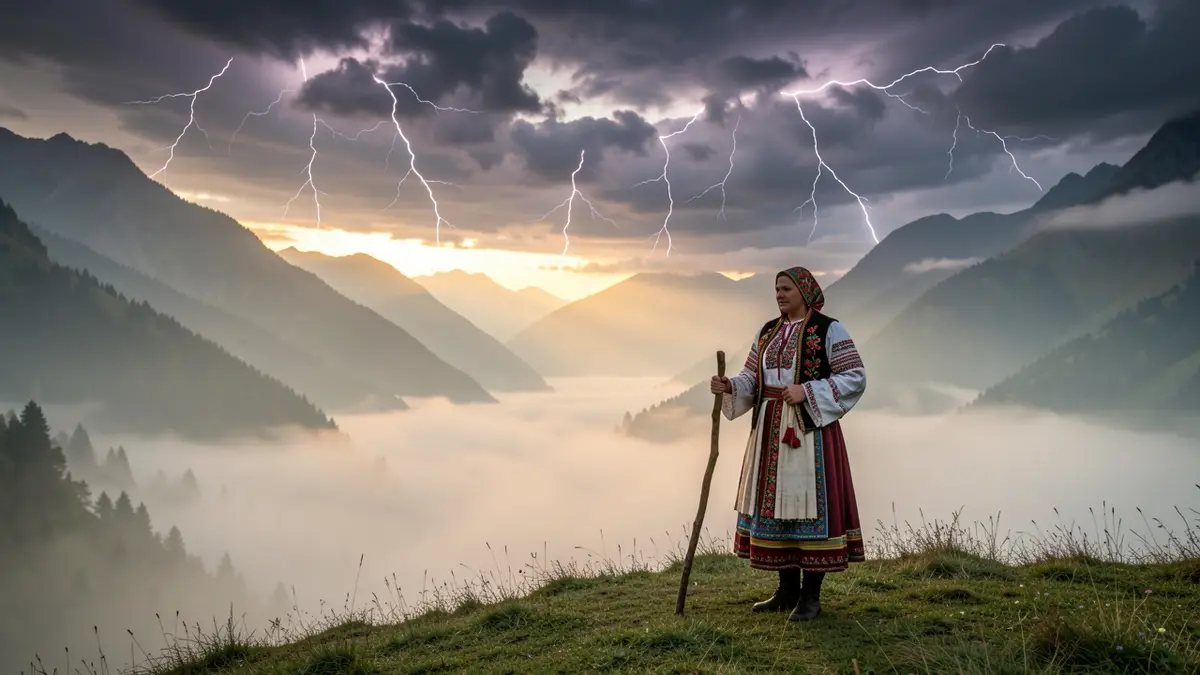
Poenari Castle clings to a sheer limestone bluff above the Argeș River, forcing any approach to follow a narrow, winding path that drops more than 150 meters. The stone keep sits on a natural platform, its walls built from locally quarried blocks that blend with the rock face. Hidden stairways cut into the cliff allow defenders to move between the outer bailey and the inner tower without exposing themselves to enemy fire.
Steep terrain and level layout
When translating the cliffside terrain into a game level, start by mapping the elevation profile in a height‑map tool. Use the real‑world slope to place platforms at intervals of 10–12 meters, matching the historic steps that lead to the gatehouse. Position the stone keep at the highest point; its footprint should be roughly 30 × 25 meters, mirroring the surviving foundations. Add narrow ledges on either side of the main wall to serve as sniper positions, and embed secret passages behind false stone slabs that open onto the cliff face.
Verticality as gameplay tension
Vertical movement creates natural risk‑reward scenarios. Players descending the outer path encounter falling hazards and limited line‑of‑sight, while ascending forces them to confront enemy archers perched on the ledges. Design encounters that require the use of ladders or rope hooks to reach hidden chambers, and place a single narrow bridge that collapses after a timed trigger. This forces players to decide between a swift but dangerous climb or a longer, safer route that loops around the cliff.
Prototyping with Carpathron Studio
Carpathron Studio can generate a quick fly‑through of the castle to validate sightlines and pacing. Load a text description such as “Poenari Castle, stone keep on cliff, narrow winding path, secret passage behind western wall” and select the Wan 2.2 model for initial terrain rendering. Switch to the Guided mode, approve the generated shot list, and let the Whisper speech checker verify any narrated commentary. The resulting video shows a camera swooping from the river valley up the cliff, pausing at each ledge to highlight potential combat zones.
Export the prototype as an MP4 and import it into your level editor to align collision meshes with the AI‑generated geometry. Because the model runs locally on an RTX 5060 with 8 GB VRAM, you can iterate rapidly without incurring cloud costs. If you prefer higher fidelity, replace the local model with the fal.ai LTX‑2.3 Fast cloud model; the price preview will appear before each render, keeping budgeting transparent.
By combining the authentic topography of Poenari Castle with Carpathron Studio’s AI video workflow, designers can craft a vertically demanding stronghold that feels rooted in 15th‑century Wallachia while offering modern players a tense, immersive experience.
For more details on using Carpathron Studio, see the product page.
The Danube as a natural game border
Trade route and economic pulse
The Danube in the 1400s carried grain, timber and luxury goods between the Black Sea and Central Europe. In a Wallachian level you can place river barges loaded with silk or salt, then use Carpathron Studio to generate a short cutscene where a merchant ship passes a fortified watchtower. The AI‑driven shot list will automatically add the appropriate background, the sound of water, and a voice line for the captain, making the trade corridor feel alive without manual animation.
Defensive barrier and strategic choke points
Historically the river formed a natural moat for towns such as Giurgiu and Turnu Măgurele. Model a narrow bend flanked by steep banks and add a series of wooden forts that fire cannonballs at approaching enemy vessels. With the Guided mode in Carpathron Studio you can approve each fort placement, then let the AI render the cannon smoke and the splash effects. The Whisper speech checker can verify that any dialogue about “the river’s defense” matches the visual narrative, ensuring consistency.
Naval encounters and river‑crossing puzzles
Design a river‑crossing puzzle where the player must time a small fleet of rowboats to avoid patrol ships. Use the “Next episode” feature to continue the level after the crossing, keeping the same characters and places. For a naval combat encounter, script a brief where the player’s Dragon Knight commands a boarding party while the Lancer provides covering fire from a floating platform. Carpathron Studio’s built‑in models such as Wan 2.2 can generate short video clips of the boarding action, and the Piper voice set can deliver commands in English or Romanian.
- Place a hidden underwater cave that serves as an alternate route; the Whisper checker will flag any mismatched subtitles.
- Introduce a “storm” weather preset from the 13 film presets to increase difficulty; the AI will automatically adjust lighting and water ripples.
- Allow the player to record their own voice for a secret message that the AI will embed as subtitles.
Environmental storytelling
Use reference pictures of real Danube settlements to keep the scenery authentic. The library of saved places in Carpathron Studio lets you reuse the same riverside market across multiple shots, preserving visual continuity. Export the final river segment as MP4 and import it into your game engine, then add collision meshes for the forts and boats.
Tip: When building a Danube level, start with a simple “auto” render of the river flow, then switch to “guided” mode for each fort and boat to fine‑tune placement and dialogue. This hybrid workflow saves time while guaranteeing historical accuracy.
By treating the Danube as both a geographic border and a narrative spine, you create a dynamic space where trade, warfare and puzzle solving intersect. The AI tools in Carpathron Studio streamline the production of river scenes, letting you focus on gameplay design rather than low‑level animation.
Step‑by‑step: Building a Wallachian level with Carpathron tools
Carpathron Studio can turn a written description of a 15th‑century Wallachian landscape into a fully rendered 3D scene. The workflow relies on the app’s local AI models, which run on a PC equipped with an NVIDIA graphics card of 8 GB or more. Below is a concise procedure that shows how to create terrain, place historic assets, and add AI‑driven NPC dialogue.
- Prepare the script. Write a short paragraph that defines the level: “A misty hill near Poenari Castle, a river flowing from the Carpathians, a village road leading to a wooden fort.” Include the names of key characters (e.g., a Dragon Knight scout) and any spoken lines you want the NPC to utter.
- Start a new project in Auto mode. Open Carpathron Studio (Carpathron Studio) and select the Auto workflow. The app will generate a cast list, a place list, and an initial shot list based on the paragraph.
- Review and refine the shot list. Switch to Guided mode to approve each generated shot. For the terrain shot, replace the generic “mountain” description with “Carpathian foothills, 15 % slope, rocky ground.” The app will re‑render the terrain using the Wan 2.2 model.
- Add historic assets. In the “Place” panel, attach reference images of a 15th‑century Wallachian village house and a wooden fort. The built‑in model library will download suitable 3D assets, then the app will insert them into the appropriate shots, preserving consistent textures across frames.
- Insert NPCs and dialogue. Choose the character “Dragon Knight” from the saved character library. Type the line “The river hides the path of the Unlit.” Carpathron Studio will synthesize the voice with a Piper English voice and run the Whisper speech checker to ensure the spoken words match the script. If Whisper detects a mismatch, the shot is automatically re‑rendered.
- Render the level sequence. Press “Render” for each approved shot. For local rendering, the app will use the Ovi 1.1 model (5‑second shots) on your RTX 5060 GPU. For longer cinematic cuts, you may switch to a cloud model such as LTX‑2.3 Fast; the price will be shown before each paid render.
- Export the final level. After all shots are rendered, choose “Export” and select MP4 for a video preview or WebM for web embedding. The export includes a subtitle file that contains the NPC dialogue, useful for game‑engine integration.
- Save and reuse assets. The level’s terrain, buildings, and character definitions are stored in the library. Use the “Next episode” function to continue the Wallachian map in a new project, keeping the same visual style and NPC voices.
By following these steps, developers can produce a historically flavored Wallachian level without manual modeling, while still retaining full control over terrain shape, asset placement, and AI‑generated narration.
Feature comparison table for Qubitpage tools
The level‑creation pipeline for a Wallachian scenario can be split into six logical stages. Each stage benefits from a specific capability inside the Qubitpage portfolio. Carpathron Studio supplies the core AI‑driven workflow, while the built‑in director and speech‑checking assistants handle narrative consistency and audio fidelity. When a cloud render is required, the fal.ai models appear as a seamless extension, and the export options cover every common game‑engine format.
| Stage of level creation | Primary Qubitpage tool | Key feature supporting the stage | Typical output |
|---|---|---|---|
| Concept and script drafting | Carpathron Studio – Guided mode | AI director (Claude or Meta Muse) suggests cast, locations and dialogue based on the written story | Structured script with character bios and place descriptions |
| Cast and environment definition | Carpathron Studio – Library manager | Saved characters and places can be reused; reference pictures are attached to each entity for visual continuity | JSON‑like asset list ready for import into a game engine |
| Shot list generation | Carpathron Studio – Auto mode | Automatic creation of action, camera and spoken‑line entries for every scene; “Next episode” continues the sequence without manual re‑entry | Complete shot list with timestamps |
| AI video rendering | Carpathron Studio – Local or cloud models | Local models (Wan 2.2, Ovi 1.1) run on an RTX 5060 8 GB; cloud models (LTX‑2.3 Fast, Kling 3.0, etc.) are selectable with price preview before each render | Rendered video clips in MP4, WebM, MOV or GIF |
| Audio verification and correction | Whisper speech checker (built into Carpathron Studio) | Compares spoken audio to the script, flags mismatches and triggers a re‑render of the affected shot | Clean, synchronized voice track |
| Final export and integration | Carpathron Studio – Export module | One‑click export to multiple video containers and subtitle files; supports resume after crash and single‑shot re‑render for quick fixes | Game‑ready cutscene files ready for import into Unity, Unreal or proprietary engines |
For teams that need to discuss story revisions or share asset libraries, the same Carpathron Studio installation can be run on several PCs under the Max subscription, ensuring every collaborator sees identical model versions and pricing. When a question arises, the support address contact@qubitpage.com provides direct access to the engineering team that built the AI pipeline.
Frequently asked questions
How accurate are the historic maps of Târgoviște for game design?
The novel describes Târgoviște in 1474 with enough detail to serve as a reference for level layout. Designers can extract street patterns, gate locations and major landmarks from historical maps and compare them with the narrative description. While the story adds fictional elements, the core geography aligns with documented 15th‑century sources, making it a reliable base for a historically flavored level.
Can I use Carpathron Remote to collaborate with artists in different time zones?
Carpathron Remote is not part of Qubitpage’s product lineup, so it cannot be used for remote collaboration. Teams should rely on standard file‑sharing services or the built‑in export features of Carpathron Studio, which allow assets to be saved as MP4, WebM, MOV, GIF or subtitles and then transferred to collaborators.
What hardware is needed to run Carpathron Studio for rendering large scenes?
Carpathron Studio requires Windows 10 or 11 (64‑bit) and an NVIDIA graphics card with at least 8 GB of VRAM; the reference test used an RTX 5060 8 GB. Users should reserve roughly 40 GB of free disk space for model downloads and temporary files. The local models Wan 2.2 and Ovi 1.1 run efficiently on this configuration, while cloud models can be accessed from any PC with an internet connection.
Is there a free tier that lets me prototype a single Wallachian level?
Qubitpage offers a free tier that provides every function and model for up to three complete films per day. By treating a single level as a short film—defining the cast, locations and shot list—you can prototype the Wallachian environment without cost, as long as the total render count stays within the daily limit.
How can I integrate voice‑controlled robots from Carpathron Robotics into a medieval setting?
Carpathon Robotics is not listed among Qubitpage’s current offerings, so direct integration is not supported. However, you can simulate voice‑controlled entities by using Carpathron Studio’s Piper voice library to generate medieval‑styled dialogue and the Whisper speech checker to verify spoken lines. Export the resulting audio and sync it with animated characters created in Blender or Mixamo for a convincing in‑game robot companion.
Bringing 15th‑Century Wallachia to Life
When you model Wallachian towns, start by mapping historic streets from sources such as 15th‑century maps of Târgoviște. Import the layout into Carriageon Studio, then use the built‑in AI video models to generate ambient shots that respect the period’s architecture. Attach reference images of stone walls, wooden gates, and local flora to each scene so the AI keeps visual consistency across the level.
Populate the environment with NPCs that match the novel’s secret families. Use the character library to store recurring faces, then place them in market squares or castle courtyards, linking each appearance to a spoken line checked by Whisper. For combat encounters, select the Dragon Knight or Lancer of the Order models, assign appropriate weapons, and let the AI render short, 5‑second action clips that blend seamlessly with the surrounding scenery.
Finally, export the level as an MP4 or WebM file, add subtitles for any dialogue, and test the sequence with the quality checker. This workflow lets you turn authentic Wallachian locations into immersive game levels without manual animation.
Explore more tools and templates that can streamline your historical game design here.