Businesses in farming, logistics and health care face rising labour costs and a shortage of skilled workers. The question is whether a utility humanoid robot can realistically fill those gaps.
We outline a step‑by‑step roadmap that matches current Qubitpage robotics capabilities with industry needs, so you can decide when and how to invest.
What is a utility humanoid robot and why it matters
Defining the utility humanoid robot
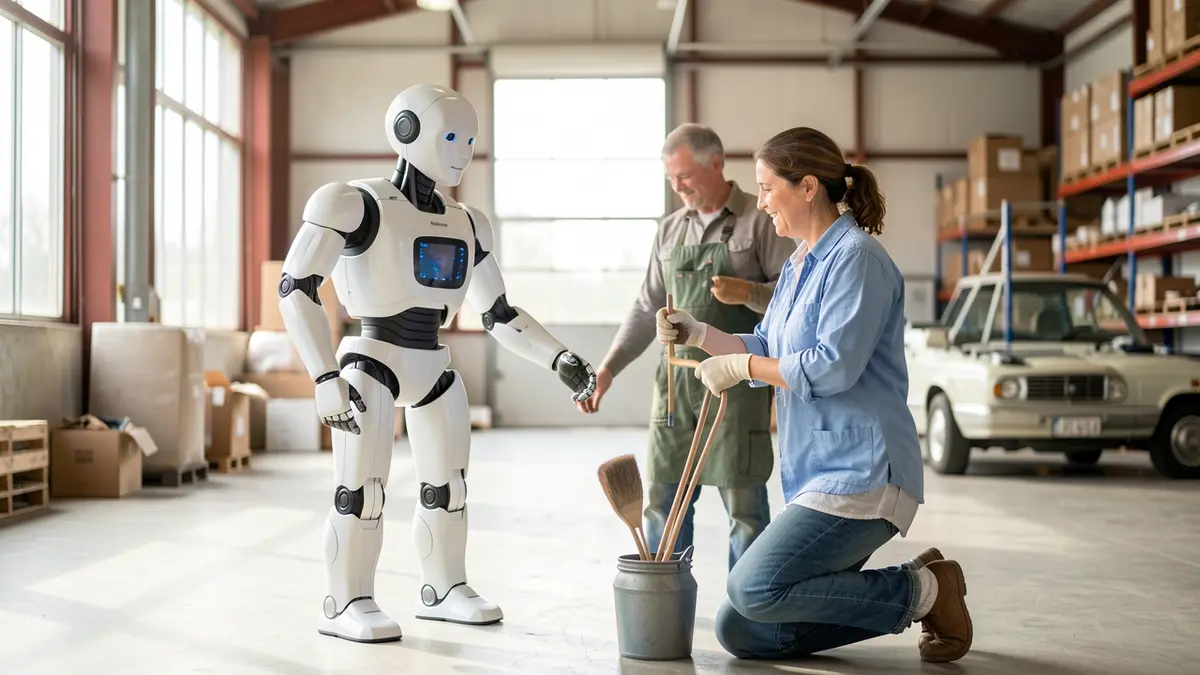
A utility humanoid robot is a machine built with a human‑like shape but engineered primarily for functional tasks such as material handling, inspection, or assistance. Unlike entertainment bots that prioritize appearance or novelty, utility models focus on reach, dexterity, and the ability to operate in environments designed for people. The design philosophy emphasizes interchangeable modules, robust actuation, and a control stack that can be extended for specific industries.
Qubitpage’s long‑term vision
Qubitpage® has articulated a long‑term goal of delivering modular utility humanoid robots. The roadmap envisions a base platform that can accept plug‑in modules for perception, manipulation, or power management, allowing a single chassis to serve multiple roles across agriculture, warehousing, and care. This approach contrasts with many niche solutions that are built for a single task and require a complete redesign when the use case changes.
How it differs from existing niche solutions
Current market offerings often target a narrow segment: a robot arm for pick‑and‑place, an autonomous rover for field scouting, or a companion bot for elder care. These systems typically lack a unified body and a common software interface, which forces operators to maintain several separate fleets. A utility humanoid robot consolidates those capabilities into one anthropomorphic frame, reducing footprint and simplifying training for staff who already work with human‑scale equipment.
For example, a dedicated agricultural drone can spray crops, but it cannot climb a ladder to inspect a greenhouse shelf. A modular humanoid robot could attach a lightweight manipulator for the inspection task while retaining a base that supports a spraying module for field work. This flexibility is a direct outcome of Qubitpage’s modular strategy.
Why the concept matters for industry
In agriculture, labor shortages and the need for precise, repeatable actions drive demand for robots that can move through rows, harvest delicate produce, and perform maintenance on equipment. A humanoid form can navigate existing pathways without extensive infrastructure changes. In warehouses, the same platform can lift standardized pallets, operate conveyor interfaces, and adapt to new shelving layouts simply by swapping end‑effectors. In care settings, a robot that can assist with mobility, deliver medication, or monitor vital signs benefits from a familiar shape that reduces user anxiety.
By standardizing the mechanical and software foundation, companies can lower total cost of ownership and accelerate deployment cycles. Qubitpage’s roadmap, outlined on the Robotics page, positions the utility humanoid robot as a scalable answer to these cross‑sector challenges, moving beyond isolated, single‑purpose machines toward a versatile, future‑proof asset.
Current Qubitpage robotics building blocks
Carpathron Robotics & Coding app
The Carpathron Robotics & Coding app is a free Windows application available through the Microsoft Store. It serves as an AI‑assisted desktop agent that can recognise development boards such as Arduino, ESP32 and Raspberry Pi, generate firmware snippets, and upload the code directly to the target hardware. Users start the app, select the detected board from the list, describe the desired behaviour in natural language, and the AI returns ready‑to‑run code. Once satisfied, a single click uploads the firmware, eliminating the need for manual compilation.
Muse Carpathon agent for Meta Muse robots
For Meta Muse robot models, Qubitpage provides the Muse Carpathron Windows agent. The agent runs on a Windows host and establishes a persistent connection to the robot, exposing control via WhatsApp text or voice messages. Operators can send simple commands like “move forward” or “pick up object” and receive status updates in the same chat thread. The agent also supports the Carpathron Avatar, a native Meta Quest 3/3S application that streams the robot’s camera feed and maps head movements to steering inputs, giving a first‑person tele‑operation experience.
ESP32‑CAM robot car
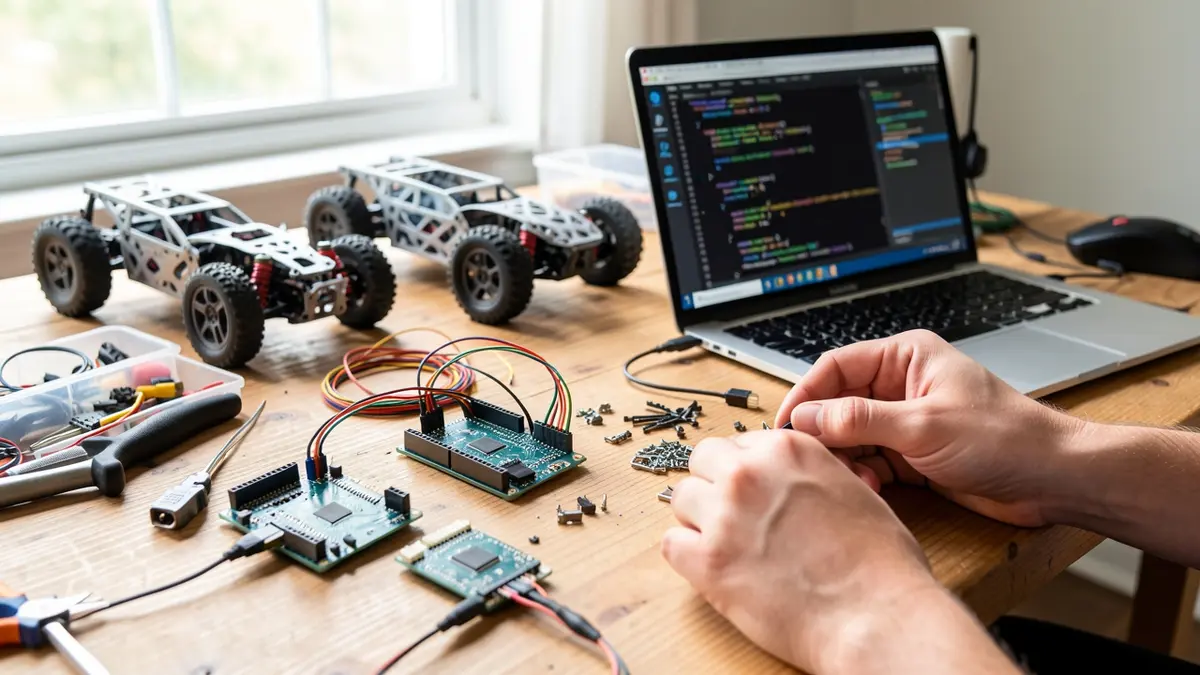
The entry‑level robot platform is the Baby Carpathron ESP32‑CAM car. It combines an ESP32 microcontroller with an integrated camera module, enabling low‑cost visual feedback. The car runs the open Carpathron Robot Protocol, which is based on standard HTTP requests and MJPEG video streams. Developers can control motion, read sensor data, and switch camera streams using simple URL patterns such as http://robot-ip/move?dir=left&speed=50 or http://robot-ip/video. Because the protocol relies on ubiquitous web technologies, it works behind firewalls and can be accessed from any device with a browser.
Open Carpathon Robot Protocol
The protocol is deliberately lightweight to encourage rapid prototyping. Commands are expressed as query parameters, and responses are JSON objects that describe the robot’s state. For example, a GET request to /status returns {"battery":78,"temperature":32,"errors":[]}. The MJPEG endpoint provides a continuous video feed without requiring special codecs, which simplifies integration with the Carpathron Avatar or third‑party monitoring dashboards. Documentation for the protocol is hosted on the Qubitpage GitHub repository, allowing developers to extend it for new actuator types or sensor arrays.
These four components—Carpathron Robotics & Coding, the Muse agent, the ESP32‑CAM car, and the open protocol—form a modular stack that can be scaled toward larger, utility‑grade humanoid robots. By reusing the same AI‑driven firmware generation workflow and the same HTTP‑based control layer, future humanoid platforms can inherit proven software pipelines while focusing hardware development on actuation, balance and payload handling.
Tip: When extending the ESP32‑CAM car to a new sensor, expose the sensor reading through an additional HTTP endpoint and return a JSON payload; the existing Carpathron Avatar will automatically render the data without code changes.
For a deeper look at the robot lineup, visit the Robotics page. The Carpathron Robotics & Coding app page provides download links and a quick‑start guide.
Phase 1: Prototype and validation (0‑12 months)
The first year focuses on turning the modular Carpathron hardware into a functional utility humanoid. Each milestone builds on the previous one, ensuring that sensor integration, AI assistance and locomotion are validated before moving to sector‑specific pilots.
- Assemble the base chassis. Use the open Carpathron Robot Protocol to connect the ESP32‑CAM control board, power distribution module and joint actuators. Verify basic power‑on sequence and confirm that each motor receives PWM commands.
- Install the sensor suite. Mount an IMU, depth camera and ultrasonic rangefinders on the torso and limbs. Configure the sensors to stream raw data over HTTP to the onboard microcontroller, following the protocol documentation.
- Integrate the Carpathron Avatar. Deploy the native Meta Quest 3/3S app to view the robot’s camera feed and steer head movements. Test low‑latency video (MJPEG) and head‑controlled direction changes in a controlled lab space.
- Connect the AI agent. Launch the Carpathron Robotics & Coding Windows app on a development PC. Use the AI assistant to generate the firmware that reads sensor packets, fuses IMU and depth data, and outputs balanced gait commands.
- Validate basic locomotion. Program a simple walk cycle using the generated firmware, then run the robot on a flat surface. Record step length, stability metrics and battery draw for the first 10‑minute run.
- Enable remote command channels. Set up WhatsApp text/voice control through the Carpathon robotics stack, allowing an operator to start, stop and adjust speed with natural language commands.
- Perform iterative testing. Run a series of obstacle‑avoidance scenarios using the depth camera and ultrasonic sensors. Adjust PID parameters in the AI‑generated code until the robot can navigate a 5‑meter corridor without collisions.
- Document the prototype. Compile hardware schematics, firmware source and AI‑assisted code snippets into a repository on GitHub. Include a short video of the robot walking and responding to voice commands for internal review.
Completing these steps yields a validated humanoid platform that can be extended with sector‑specific tools such as agricultural manipulators or warehouse grippers. The next phases will attach payload modules and integrate higher‑level AI planning while retaining the same core architecture.
Phase 2: Pilot deployments in target sectors
Agricultural pilots
Begin by installing the Carpathon Avatar on a Meta Quest 3 and pairing it with a Baby Carpathron ESP32‑CAM robot placed in a greenhouse aisle. Connect the robot’s HTTP API to the farm’s existing IoT gateway, which already publishes soil‑moisture and climate data via MQTT. Use a simple script on the Windows agent to pull the MQTT topics, translate them to the Carpathon Robot Protocol, and trigger the robot to water rows that fall below the moisture threshold.
During the pilot, the robot can be commanded remotely through WhatsApp voice messages, allowing agronomists to issue “increase spray volume” or “pause operation” without leaving the office. All remote sessions are logged in the Carpathon Remote console for later analysis.
Warehouse pilots
Deploy a Muse Carpathon Windows agent on a Meta Muse robot that navigates the receiving dock. Integrate the robot’s HTTP control layer with the warehouse management system (WMS) by exposing a REST endpoint that accepts pick‑list IDs. When the WMS creates a new pick, it posts the ID to the robot; the agent then retrieves the location from the WMS database and drives the robot to the shelf.
Operators can verify each pick by scanning a barcode with the robot’s built‑in camera; the image stream (MJPEG) is displayed in the Carpathon Avatar so a supervisor can confirm the correct item from a remote tablet. Any connectivity issues are resolved on‑the‑fly using Carpathon Remote, which provides a secure tunnel to the Windows agent for firmware updates or log retrieval.
Care‑facility pilots
In a senior‑living home, position a Baby Carpathon robot in the communal lounge to assist with medication reminders. Connect the robot to the facility’s electronic health record (EHR) system via a secure HTTPS call that fetches each resident’s schedule. The robot announces reminders through its speaker and displays the resident’s name on the Avatar’s heads‑up overlay.
Care staff can intervene through WhatsApp text commands, for example “snooze reminder for John Doe 10 minutes”. All interactions are recorded in the Carpathon Remote audit log, ensuring compliance with health‑data regulations.
Common integration steps
- Map the external system’s API (IoT broker, WMS, EHR) to the Carpathon Robot Protocol (HTTP + MJPEG).
- Configure the Windows agent to poll or receive push notifications from the external API.
- Validate security certificates and firewall rules to allow inbound connections from Carpathon Remote.
- Run a short acceptance test: trigger a command from the external system and confirm robot response within five seconds.
Tip: Keep the pilot duration under six weeks and schedule a weekly remote check‑in via Carpathon Remote. This limits on‑site downtime and provides a structured feedback loop for software tweaks.
Comparison of sector requirements
Utility humanoid robots must adapt to distinct operating conditions. In agriculture the robot encounters uneven terrain, dust and weather exposure, while warehouse environments are typically climate‑controlled but densely packed with shelving. Care settings require quiet operation, smooth flooring and strict hygiene protocols. Understanding these differences guides hardware selection, software tuning and compliance planning.
Payload capacity directly influences the robot’s usefulness. An agricultural unit may need to carry up to 15 kg of tools, sensors or harvested produce, whereas a warehouse robot often handles heavier loads, up to 30 kg, for pallet‑level tasks. In care facilities the payload is usually limited to 5–8 kg to support medication carts, assistive devices or personal items without compromising safety.
Autonomy expectations also diverge. Farm robots must operate for several hours on battery while navigating rows and fields, demanding robust power management and outdoor‑grade localization. Warehouse robots benefit from structured navigation aids such as QR codes or RFID, enabling continuous operation with short charging cycles. In care environments the robot must pause frequently for human interaction, requiring a higher level of safe stop and manual override capabilities.
Regulatory constraints shape deployment speed. Agricultural robots are subject to equipment safety standards and, in some regions, pesticide handling regulations. Warehouse robots must comply with occupational safety and health (OSHA) guidelines for collaborative robots. Care robots face medical device classifications and patient‑privacy laws, necessitating thorough risk assessments and data‑protection measures. Aligning development with these frameworks reduces certification delays.
Below is a concise matrix that highlights the most relevant criteria for each sector. The table can serve as a checklist when evaluating the Carpathron robotics building blocks described on the Robotics page and the AI‑assisted firmware tools in Carpathron Robotics & Coding.
| Criterion | Agriculture | Warehouse | Care |
|---|---|---|---|
| Typical environment | Outdoor, uneven ground, dust, temperature swings | Indoor, structured aisles, controlled climate | Indoor, smooth floors, low noise, strict hygiene |
| Payload capacity | 10–15 kg (tools, produce) | 20–30 kg (boxes, pallets) | 5–8 kg (carts, assistive devices) |
| Autonomy duration | 4–6 h continuous operation | 8–10 h with quick‑swap batteries | 2–3 h with frequent human interaction |
| Navigation method | GPS‑aided, vision‑based row detection | QR/RFID markers, LiDAR mapping | Vision‑based safe‑stop, manual joystick |
| Regulatory focus | Equipment safety, pesticide handling | OSHA collaborative‑robot standards | Medical‑device classification, patient privacy |
| Key integration need | Robust weather‑proofing, low‑power AI inference | High‑throughput data links, rapid firmware updates | Secure communication, easy emergency shutdown |
Business case and timeline for scaling
Cost drivers and capital investment
The primary cost drivers for a utility humanoid robot program are hardware procurement, AI‑agent licensing, and ongoing remote support. The modular design of Carpathon robots allows incremental upgrades; initial units use the Baby Carpathron ESP32‑CAM platform, which keeps the chassis cost low while providing the open Carpathon Robot Protocol for future expansion. Adding sensors, manipulators, or higher‑performance compute boards increases material expenses proportionally.
Software costs are tied to the AI agent that assists in firmware generation and robot control. The Carpathron Robotics & Coding app is free to download, but enterprises typically purchase additional AI‑agent licenses for higher usage tiers. Remote support, offered through Qubitpage’s support services, is billed per device or per incident, ensuring predictable budgeting for maintenance and troubleshooting.
Revenue models
Three complementary revenue streams can be combined to achieve profitability. First, a subscription model for AI‑agent access charges customers a recurring fee based on the number of active robots and the level of assistance required. Second, a service‑level agreement (SLA) for remote support provides guaranteed response times and on‑site assistance, generating steady income from maintenance contracts. Third, a usage‑based model for advanced features—such as the Carpathron Avatar on Meta Quest devices—allows operators to pay only when they employ premium capabilities like head‑controlled navigation.
Each model leverages existing Qubitpage infrastructure: the AI agent runs on the Windows desktop application, while remote support integrates with the same backend, reducing integration overhead and simplifying invoicing.
Three‑year scaling plan
Year 1 – Pilot consolidation. Deploy 10–15 Baby Carpathron units across selected farms and warehouses. Secure AI‑agent subscriptions for each unit and establish remote‑support contracts covering routine diagnostics. Track key metrics such as mean‑time‑to‑repair and firmware update frequency to refine cost estimates.
Year 2 – Expansion to care facilities. Introduce the Muse Carpathron Windows agent on Meta Muse models for patient assistance tasks. Increase the AI‑agent subscription tier to include the Carpathron Avatar, enabling caregivers to control robots via head movements. Scale remote‑support agreements to cover the larger fleet, targeting a 20 % reduction in on‑site technician visits.
Year 3 – Full‑scale utility humanoid rollout. Transition to modular utility humanoid prototypes, integrating higher‑capacity actuators and advanced perception sensors. Shift a portion of revenue to a usage‑based model for premium functions such as autonomous navigation in dynamic environments. By the end of the third year, aim for a fleet of 50–70 units with a balanced mix of subscription, SLA, and usage revenue, delivering a positive cash flow that supports ongoing R&D.
Throughout the scaling journey, maintain close collaboration with Qubitpage’s support team via the contact portal to ensure rapid issue resolution and continuous improvement of the AI‑agent knowledge base.
Frequently asked questions
How long does it take to move from prototype to a commercial utility humanoid robot?
Transitioning from a functional prototype to a market‑ready utility humanoid typically requires 18 to 24 months. The first six months focus on refining mechanical tolerances, sensor integration, and safety‑critical firmware. The remaining period covers extensive field testing in target environments, certification preparation, and scaling the supply chain for volume production. Iterative feedback loops with early adopters help compress the schedule but cannot eliminate the need for thorough validation.
What hardware components are essential for a robot that works in farms and warehouses?
A robust utility humanoid for agriculture or logistics must combine a high‑torque actuator suite with weather‑sealed joints, an industrial‑grade power system, and a sensor package that includes LiDAR, RGB‑D cameras, and force‑torque sensors at the wrists. A rugged computing module—often an Intel Xeon or ARM‑based board—provides the processing headroom for real‑time perception and control. Additionally, a modular battery pack with fast‑swap capability ensures uninterrupted operation during long shifts.
Can existing Qubitpage software be reused for a new humanoid platform?
Yes. The Carpathron Robotics & Coding Windows agent can be extended to support new hardware through its open Carpathron Robot Protocol, which relies on standard HTTP commands and MJPEG streams for vision feedback. Developers can write custom firmware for the robot’s microcontroller and then use the AI‑assisted code generation feature to produce upload‑ready binaries. The same desktop interface also allows remote monitoring and debugging via WhatsApp text or voice messages.
What regulatory approvals are needed for care‑robot deployment?
Deploying a humanoid in a care setting triggers medical device classification in many jurisdictions, requiring compliance with IEC 60601‑1 for electrical safety and ISO 13485 for quality management. In the European Union, a CE mark is mandatory, while the United States typically demands FDA 510(k) clearance if the robot performs therapeutic functions. Additionally, data‑privacy regulations such as GDPR or HIPAA must be addressed when the robot processes patient information.
How can a business calculate ROI for a utility humanoid robot?
Start by quantifying labor cost savings: compare the hourly wage of human workers with the robot’s operational cost, including electricity, maintenance, and depreciation over its expected lifespan. Add productivity gains from continuous operation and reduced error rates, then subtract any upfront integration expenses such as custom tooling or training. The resulting net benefit divided by the total investment yields the ROI percentage, which can be projected over a three‑ to five‑year horizon for decision‑making.
Next steps for adopting utility humanoid robots
Begin by mapping the specific tasks you want to automate in your facility. List repetitive motions, material handling steps, or patient‑assistance routines, then compare them against the current capabilities of the Carpathron modular platform. Identify any gaps that require additional end‑effectors or sensor modules, and plan a phased upgrade path that starts with the Baby Carpathron ESP32‑CAM robot car for basic navigation and vision testing.
Next, set up a pilot zone where the Muse Carpathron Windows agent can be connected to a Meta Quest 3 headset. Use the WhatsApp text or voice interface to issue simple commands and observe latency and reliability. Record performance metrics such as task completion time and error rates, then refine the control scripts with the AI assistance provided by the Carpathron Robotics & Coding app.
Finally, integrate the collected data into your maintenance schedule and train staff on the avatar‑based steering method. When the pilot demonstrates consistent results, expand the deployment to additional work cells and consider adding custom modules for your specific industry needs. For detailed guidance, visit the most relevant Qubitpage page.