 Carpathron Remote
Remote desktop · Windows & Linux
One small app gives and receives support. Share your ID and a one-time password to get help, or connect to your own PCs and servers with your personal password. Talk, chat and copy files while you work. End-to-end encrypted.
Free for personal use · Pro from $3 per PC per month · no ads
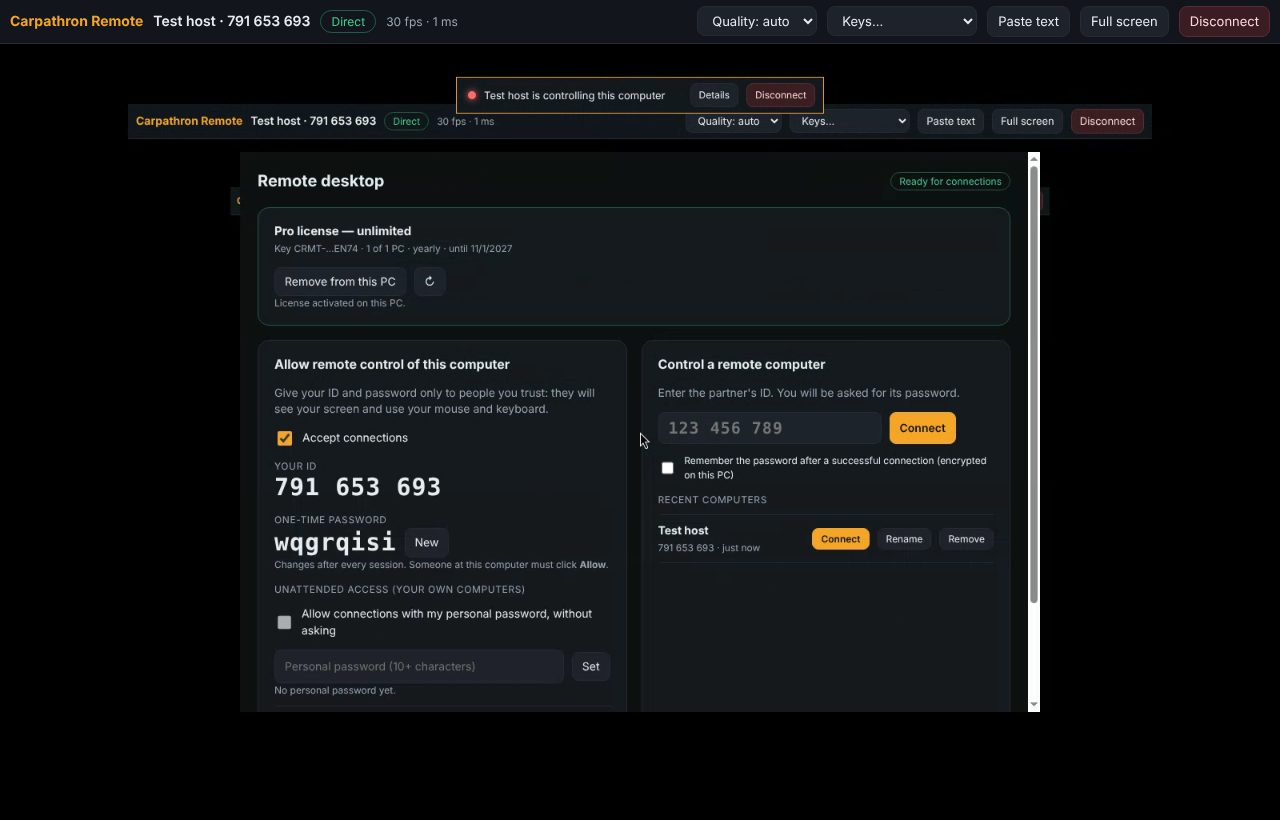
Mouse, keyboard, shortcuts (Win, Alt+Tab, Task Manager), several screens, full screen, picture quality.
Let people only watch your screen. Several viewers at once. Switch control on or off any time.
A side panel on both computers: talk with the other person and write messages during the session.
Drop files on the remote screen to copy them there; the other side can send files back. Any size.
Copy text on one computer, paste it on the other.
Record a session to a video file, for training or documentation.
Your own PCs and servers with a personal password, without anyone clicking Allow. Starts with Windows.
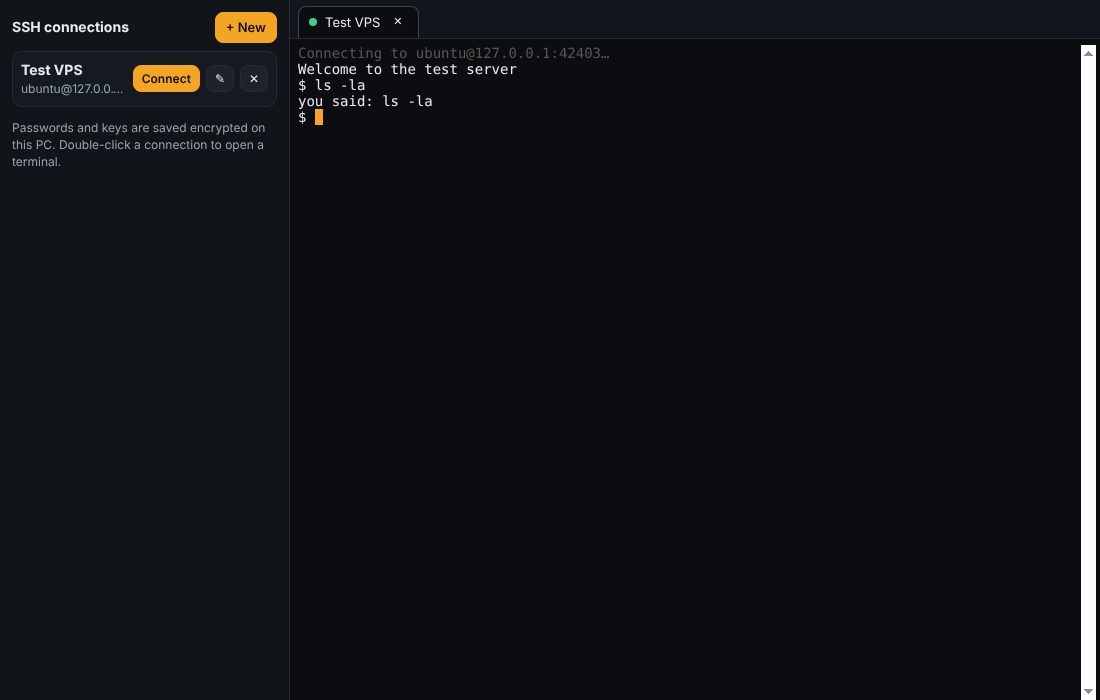
Built in: saved connections, password or key login, host-key check, tabs.
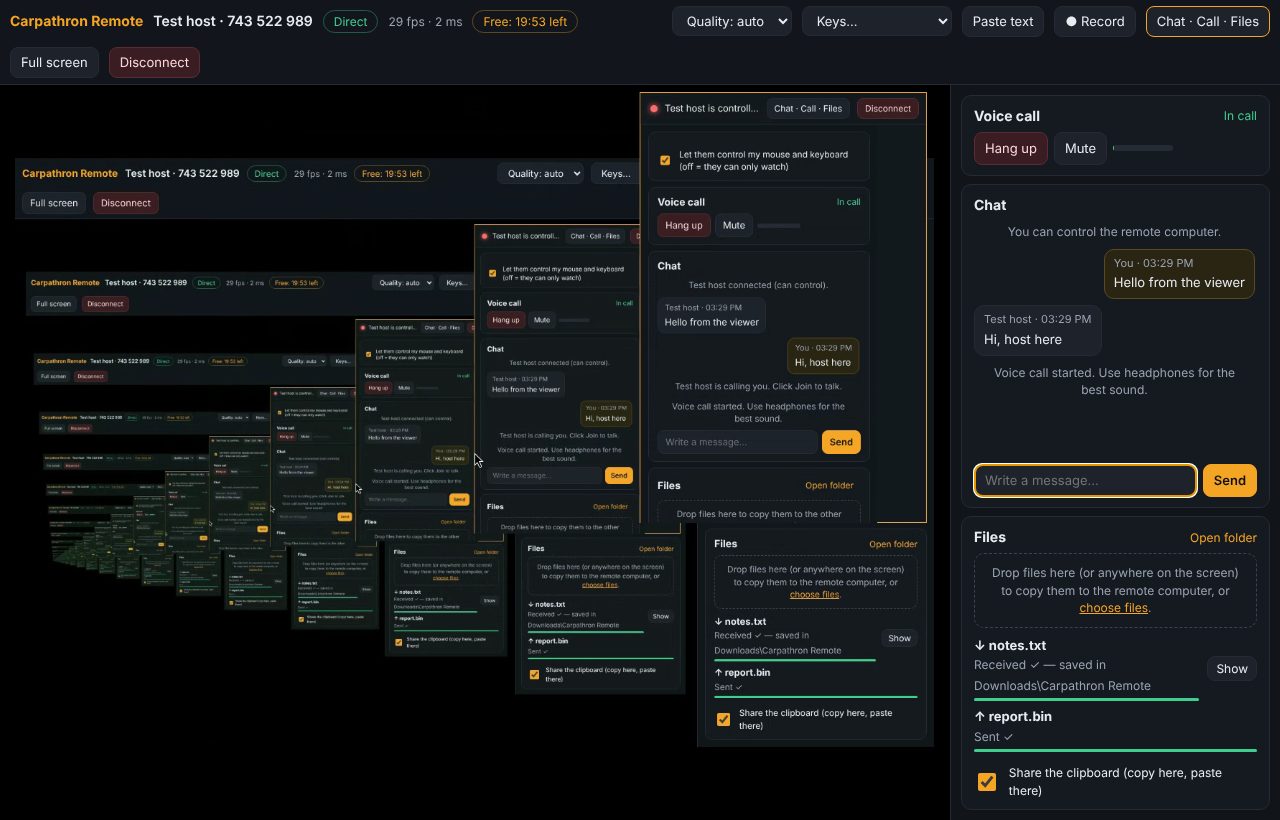
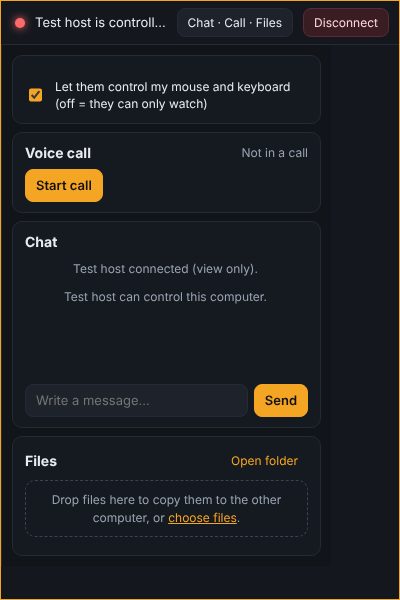
The controlled computer shows a bar with who is connected and a Disconnect button. Open it to chat, join the call, send files or switch to view only. Nothing starts without the person clicking Allow (or your personal password on your own computers).
The password is never sent: both sides prove they know it, then every message is encrypted with AES-256-GCM. The picture goes directly between the two computers when the network allows it. One-time passwords change after every session; 5 wrong passwords lock the PC for 10 minutes. SSH host keys are checked and remembered.
Licenses are per PC that controls other computers. Receiving connections never needs a license.
$0
Personal, non-commercial use
$3 per PC / month
For freelancers and small teams
Unlimited
$5 per PC / month
For IT support and businesses
Click Buy and pay with PayPal (account or card): your license key (CRMT-…) arrives by email within a minute and is in your account, where you can move it to another PC. In the app: License → paste the key → Activate. VAT included where it applies. With Pro, a computer you have not used for 30 days frees its place; you can also remove one in the app.
Windows may show "Windows protected your PC" for new apps: click More info → Run anyway. Microsoft Store version: coming soon.
On Linux, being controlled needs an X11 ("Xorg") session and xdotool (installed with the .deb); controlling other PCs works on any desktop.
1
Install Carpathron Remote on both computers. It waits in the tray, ready for connections.
2
The person who needs help reads you their 9-digit ID and one-time password. You type the ID and click Connect.
3
They click Allow (or Allow viewing only) and you see their screen. Open Chat · Call · Files to talk and share files.
Yes, for personal and non-commercial use: sessions up to 20 minutes and up to 2 hours per day, counted on the PC that controls (and per internet connection, so reinstalling does not reset it). Being helped never counts. No ads, ever.
Pro ($3/month or $19.99/year per PC) controls up to 3 different computers without limits, enough for your own PCs. Max ($5/month or $49.99/year per PC) controls any number of computers, for IT support. Computers that only receive connections never need a license.
Only the person you give your ID and password to, after you click Allow (or who knows your personal password, if you set one). The session is end-to-end encrypted; Qubitpage's relay only connects the two computers.
Yes, a Linux desktop with an X11 session. For servers without a desktop, use the built-in SSH terminal.
Like every remote desktop tool, Windows does not show its secure screens (UAC prompts, sign-in screen) to other apps. To control programs running as administrator, run Carpathron Remote as administrator.
On the old PC: Remove from this PC in the License box. Then activate the same key on the new PC.